24 / 09 / 06

github的readme.md文件使用Markdown徽章
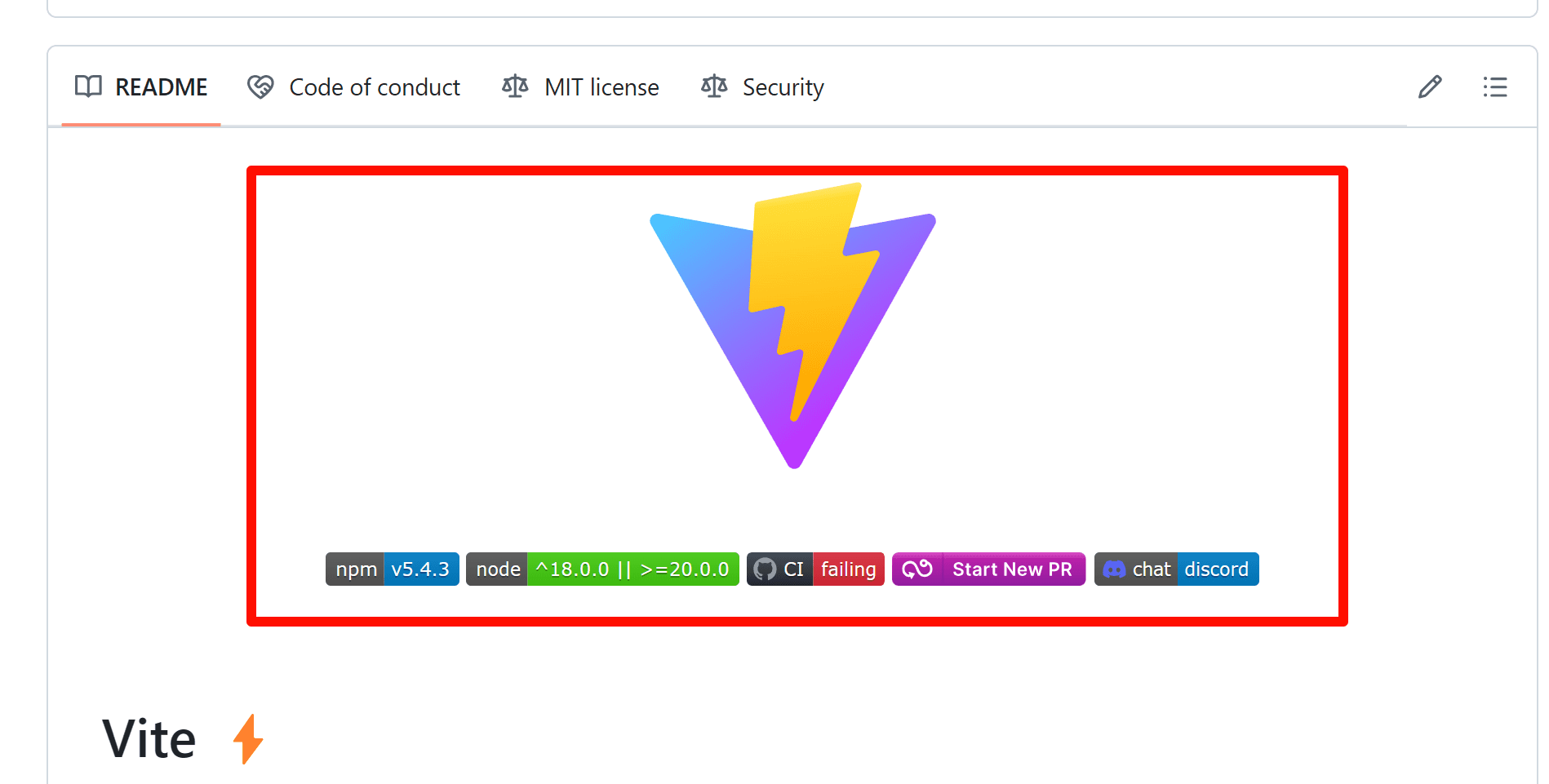
红框内的效果是通过在 README.md 文件中使用 Markdown 和徽章(badges)来实现的。这些徽章通常是通过第三方服务生成的,并嵌入到 Markdown 文件中。以下是如何实现这些效果的详细说明:

1. 使用徽章(Badges)

徽章是通过在 Markdown 文件中插入图像链接来实现的。常见的徽章生成服务包括 Shields.ioBadge Fury CircleCI Travis CI 等。

2. 示例代码

以下是一个示例 README.md 文件,展示了如何添加这些徽章:

# 项目名称 ![npm](https://img.shields.io/npm/v/package-name) ![node](https://img.shields.io/node/v/package-name) ![CI](https://img.shields.io/github/workflow/status/username/repo/CI) ![Coverage](https://img.shields.io/codecov/c/github/username/repo) ![Discord](https://img.shields.io/discord/123456789012345678) ![PRs Welcome](https://img.shields.io/badge/PRs-welcome-brightgreen.svg) ## 项目描述 这是一个示例项目的描述。

3. 详细解释

  • npm 徽章:显示 npm 包的版本。

    ![npm](https://img.shields.io/npm/v/package-name)
  • node 徽章:显示支持的 Node.js 版本。

    ![node](https://img.shields.io/node/v/package-name)
  • CI 徽章:显示 CI 状态(例如 GitHub Actions)。

    ![CI](https://img.shields.io/github/workflow/status/username/repo/CI)
  • Coverage 徽章:显示代码覆盖率。

    ![Coverage](https://img.shields.io/codecov/c/github/username/repo)
  • Discord 徽章:显示 Discord 服务器的链接。

    ![Discord](https://img.shields.io/discord/123456789012345678)
  • PRs Welcome 徽章:显示欢迎 PR 的信息。

    ![PRs Welcome](https://img.shields.io/badge/PRs-welcome-brightgreen.svg)

    除了上述徽章外,还有许多其他类型的徽章:

  1. Build Status 徽章:显示构建状态。

    ![Build Status](https://img.shields.io/travis/username/repo)
  2. License 徽章:显示项目的开源许可证信息。

    ![License](https://img.shields.io/github/license/username/repo)
  3. Downloads 徽章:显示下载次数(例如 npm 下载次数)。

    ![Downloads](https://img.shields.io/npm/dt/package-name)
  4. Vulnerabilities 徽章:显示项目的已知漏洞数量。

    ![Vulnerabilities](https://img.shields.io/snyk/vulnerabilities/github/username/repo)
  5. Version 徽章:显示项目的当前版本。

    ![Version](https://img.shields.io/github/package-json/v/username/repo)
  6. Contributors 徽章:显示项目的贡献者人数。

    ![Contributors](https://img.shields.io/github/contributors/username/repo)
  7. Stars 徽章:显示GitHub上的星星数量。

    ![Stars](https://img.shields.io/github/stars/username/repo)
  8. Forks 徽章:显示项目的叉(fork)数。

    ![Forks](https://img.shields.io/github/forks/username/repo)
  9. Open Issues 徽章:显示打开的问题数量。

    ![Open Issues](https://img.shields.io/github/issues/username/repo)
  10. Last Commit 徽章:显示最后一次提交的时间。

![Last Commit](https://img.shields.io/github/last-commit/username/repo)
  1. Twitter Follow 徽章:显示 Twitter 的关注信息。
![Twitter Follow](https://img.shields.io/twitter/follow/username)
  1. Patreon 徽章:显示 Patreon 支持徽章。
![Patreon](https://img.shields.io/badge/patreon-donate-yellow)

这些徽章通过 shields.io 这样的服务可以自定义样式和内容,帮助开发者在项目介绍中展示关键信息。

4. 自动生成

这些徽章并不是自动生成的,也不需要项目达到一定的 star 数量。它们是通过在 README.md 文件中手动添加相应的 Markdown 代码来实现的。只要你在 README.md 文件中包含了这些徽章的链接,它们就会显示在 GitHub 仓库的主页上。

5. 其他信息

  • 项目状态:徽章可以显示项目的各种状态信息,如构建状态、测试覆盖率、依赖状态等。

  • 社交链接:徽章也可以用于显示社交链接,如 Discord 讨论区、Twitter 链接等。

通过这些步骤,你可以在你的 GitHub 仓库的 README.md 文件中添加类似的徽章效果。

Powered by Gridea